Rules
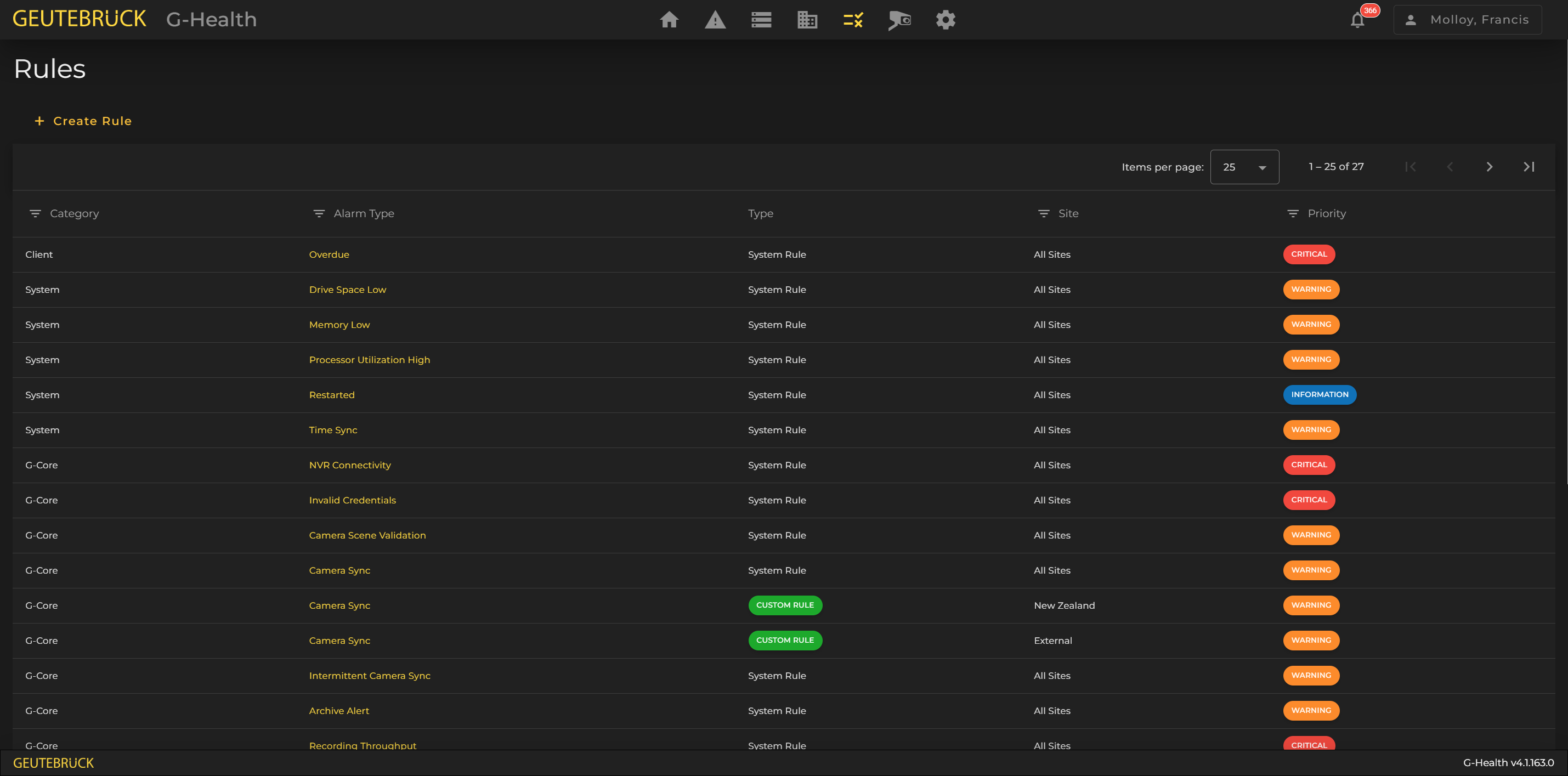
The rules in G-Health determine when an alarm is created on a client. After G-Health is installed, a default set of system rules are automatically created by the server.
The settings for most system rules can be customized.
How rules are applied to clients
Rules are applied to clients using the site hierarchy. The system will choose the rule closest to the client's site when deciding which rules to send to the client. System rules are set at the site root (All Sites) whereas custom rules must be set further down the site hierarchy.
Customizing a system rule
The default set of system rules are created to provide the best monitoring of hardware in most cases. If however, these values are not appropriate for your environment then some of these values can be changed.
To customize a system rule, click on the alarm name in the rule list. This will display the Rule Details screen. Modify the system rule as required, and when ready click the 'Save' button.