Sites
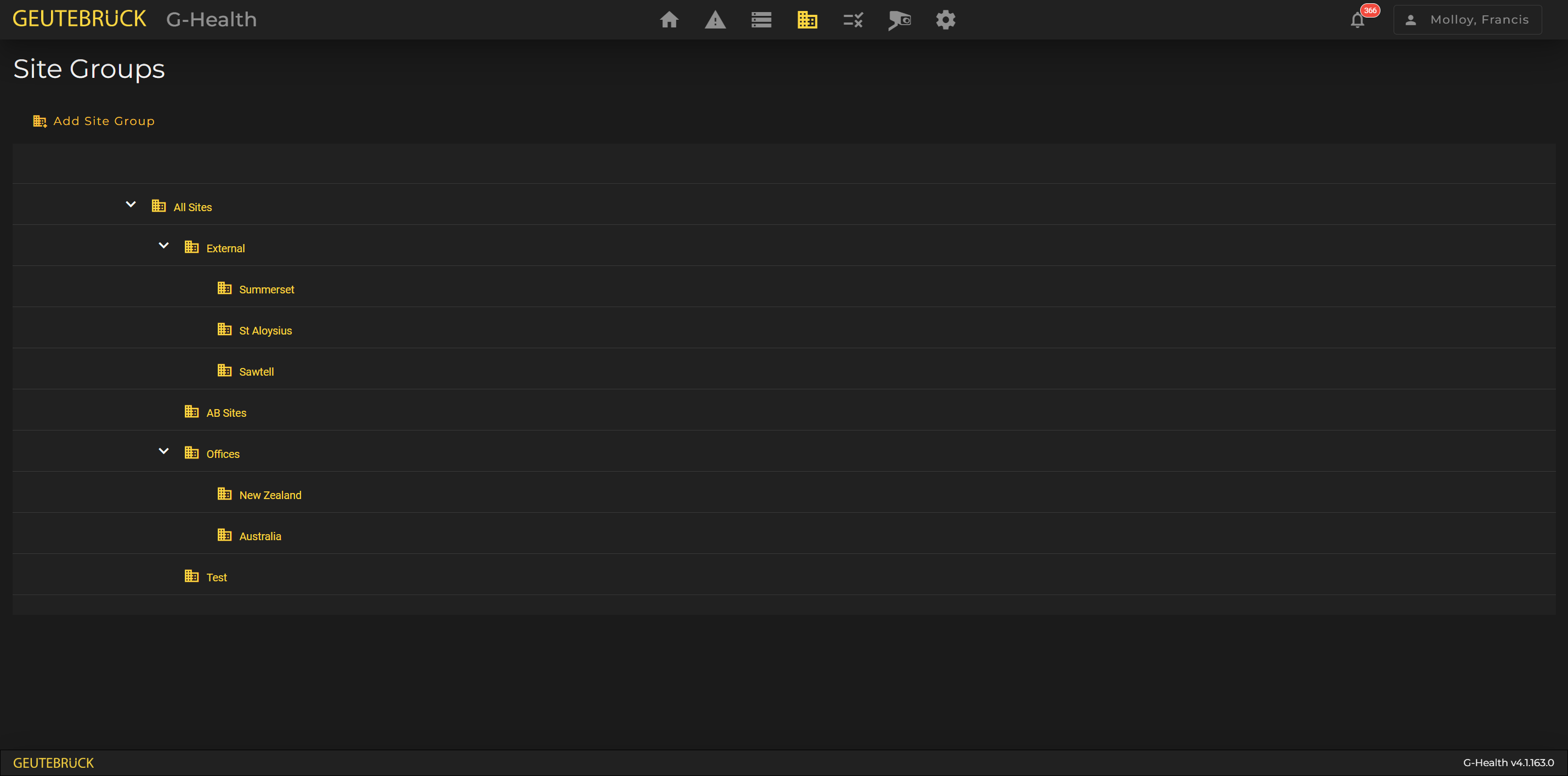
Site Groups Overview
Site Groups play an important role within G-Health as they:
- Allow clients to be grouped.
- Can be used to limit which clients a user has access to.
- Provide a hierarchy for rules (see the Rules section for more information).
Creating a New Site
- Navigate to Sites from the navigation bar.
- Click 'Create Site'.
- Enter the Site name, and select the parent site.
- Click 'Save'
Modifying or Removing a Site
The site name, can be modified by selecting the site from the site list.
A site can also be deleted by selecting the site and then clicking the 'Delete Site' button.
A Site can only be deleted if it has no child sites and no assigned Clients.
Assigning a Client to a Site
To Assign a client to a site you need to go to the Client Details page for that client and click on the Action drop down button and then select Change Site. This will present you a dialog where you can assign or reassign the client to a site.